REAL BOOT EVIDENCE

See Hidayah OS boot for real.

v1.1-ihsan · stablecaptured from the release ISO · sha256 e65ed53e…
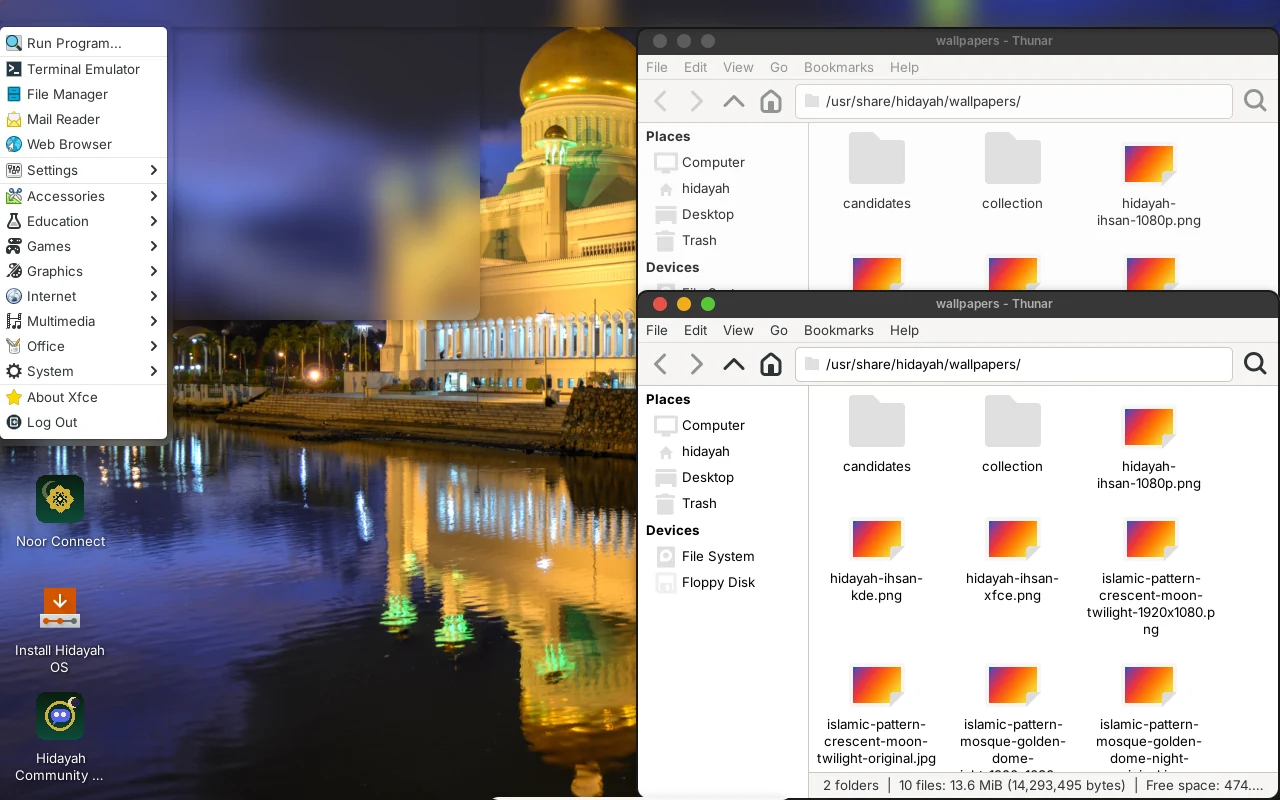
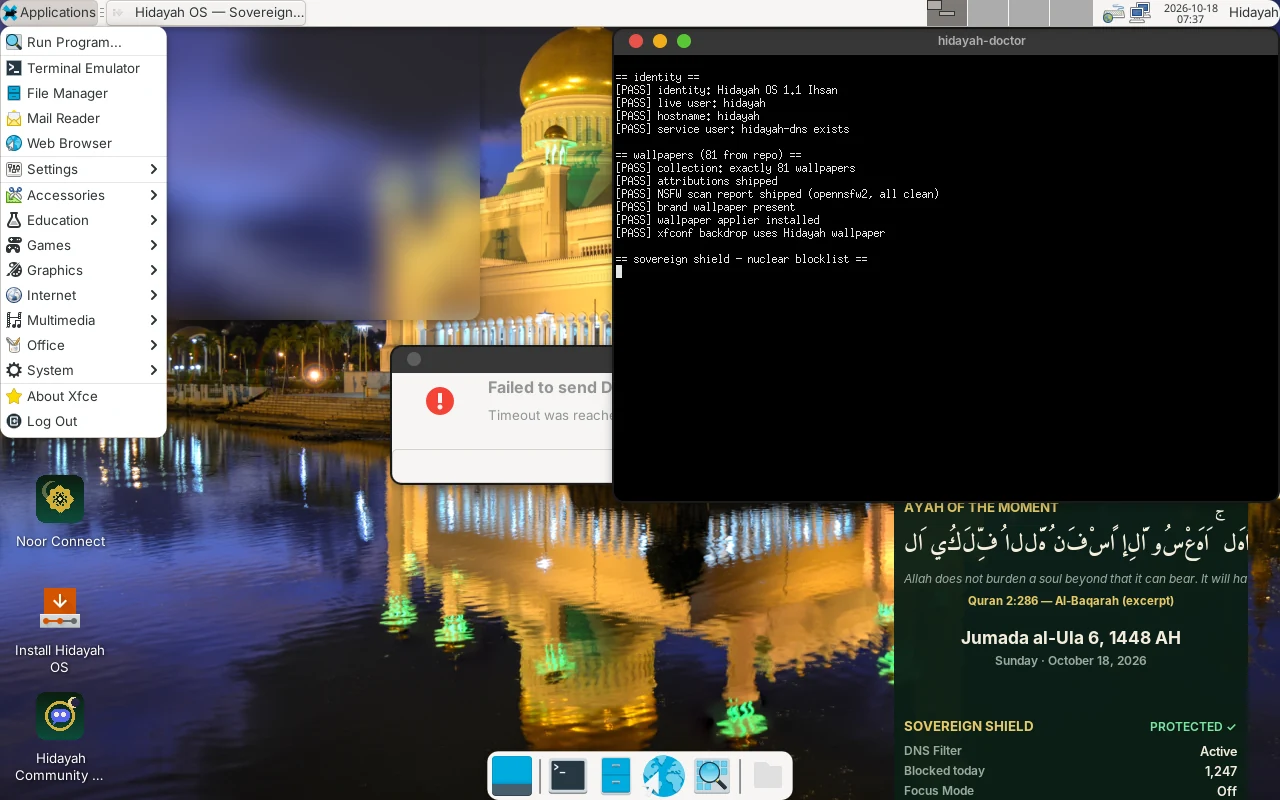
Hidayah OS 1.1 Ihsan XFCE desktop after live autologin — applications menu open, Noor Connect, Install Hidayah OS and Hidayah Community Discord icons, dock, and the 81-wallpaper collection open in Thunar
First boot — XFCE desktop · live autologin as “hidayah” · apps menu open · Noor Connect / Install / Discord on the desktop · captured in QEMU 1280×800
hidayah-doctor self-test output in a terminal during the 1.1-ihsan QA boot: identity Hidayah OS 1.1 Ihsan, exactly 81 wallpapers, NSFW report shipped, wallpaper applier installed — all PASS
hidayah-doctor — live PASS checks
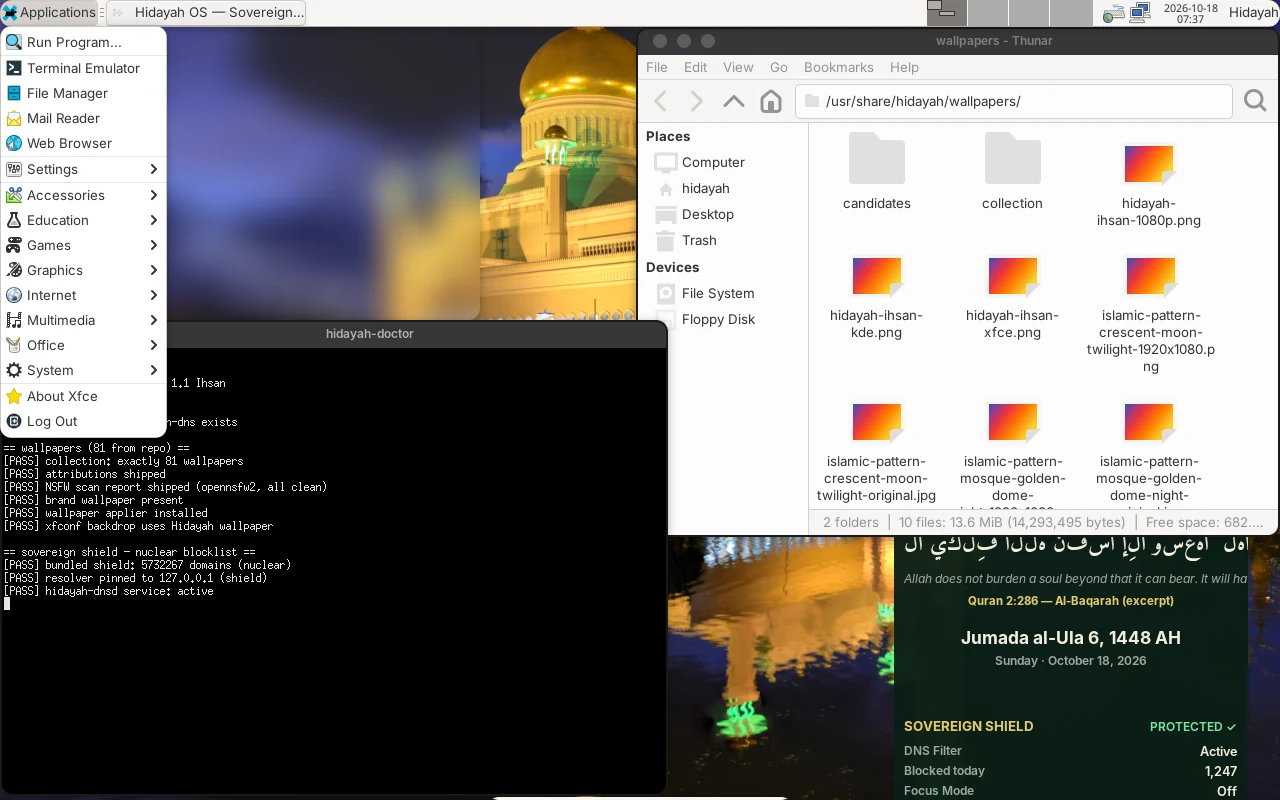
Thunar showing the Hidayah wallpaper collection while hidayah-doctor verifies the nuclear Sovereign Shield blocklist of 5,732,267 domains pinned to the local resolver
81 wallpapers + shield: 5,732,267 domains
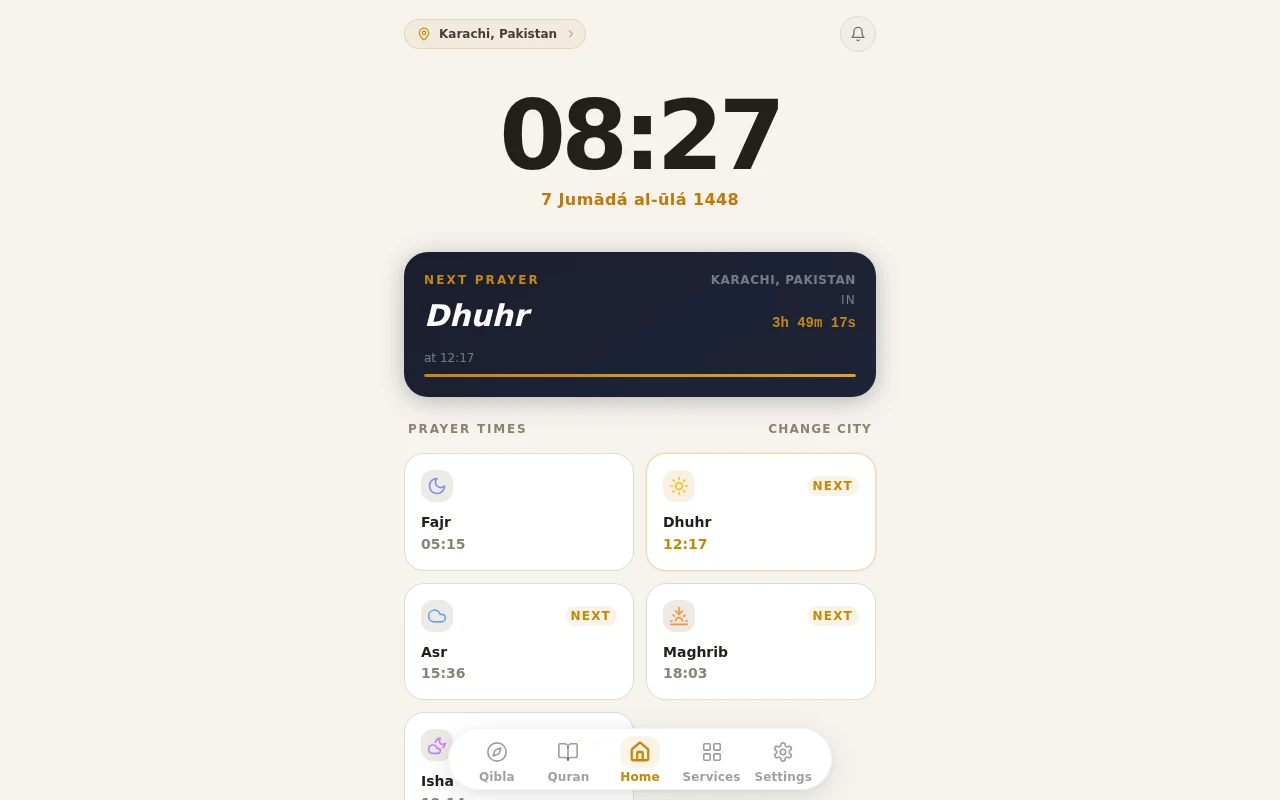
Noor Connect PWA as shipped in the ISO: Karachi location, Hijri date 7 Jumada al-ula 1448, next-prayer countdown for Dhuhr at 12:17, and prayer-time cards — Fajr 05:15, Asr 15:36, Maghrib 18:03
Noor Connect PWA — offline companion

v1.1-ihsan captures: in-guest screenshots (xfce4-screenshooter) taken during release QA boots of the shipped ISO. The Noor Connect panel is the app that ships inside the ISO, rendered from its own files. Nothing was mocked up.
Nur 1.0 · legacy editions archive
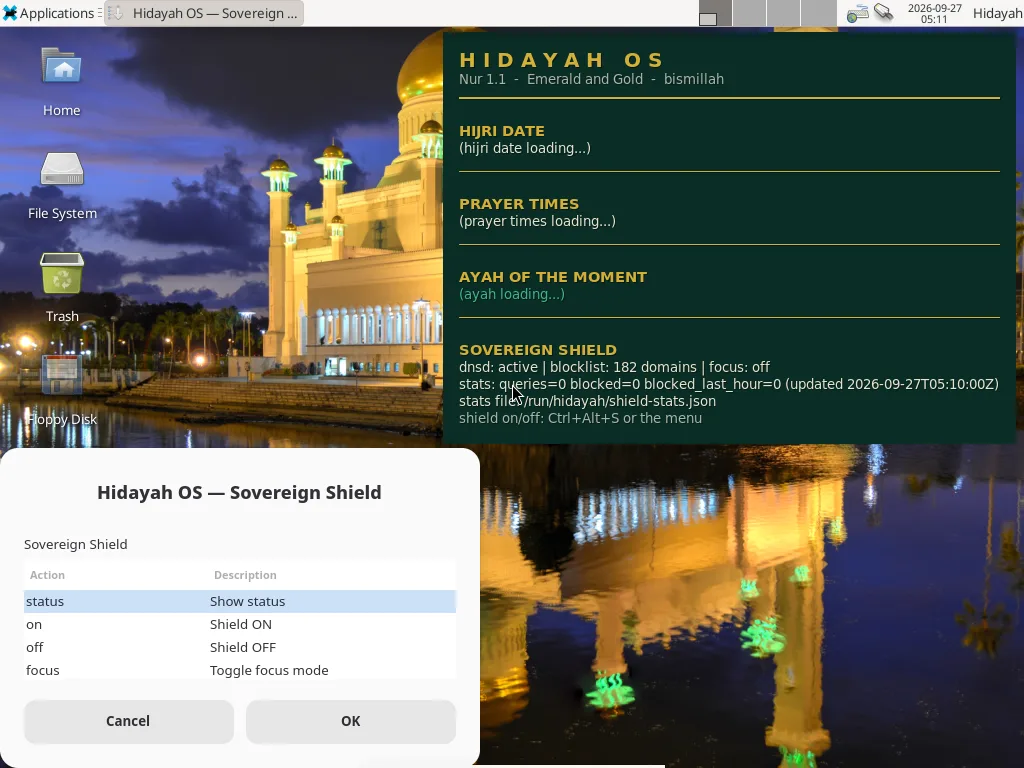
XFCE desktop after live autologin in Hidayah OS 1.0.0 Nur, showing the Hidayah night mosque wallpaper and the Install Hidayah OS shortcut
First boot — XFCE desktop · Hidayah night wallpaper · live autologin as “hidayah” · captured in QEMU 1280×800
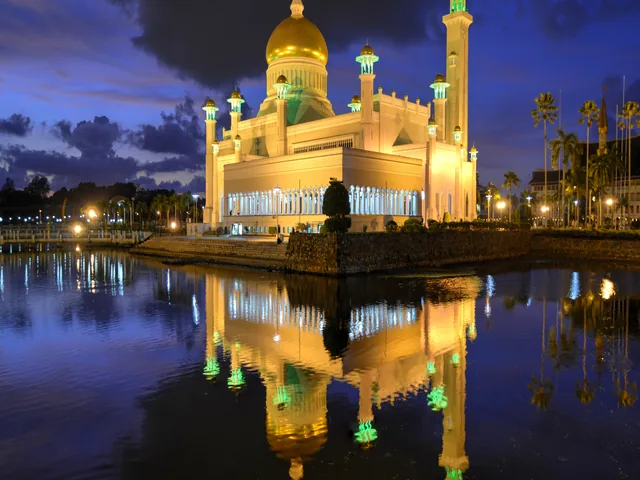
Hidayah OS boot splash showing the golden-dome mosque artwork at 640x480
Boot splash — BIOS/UEFI
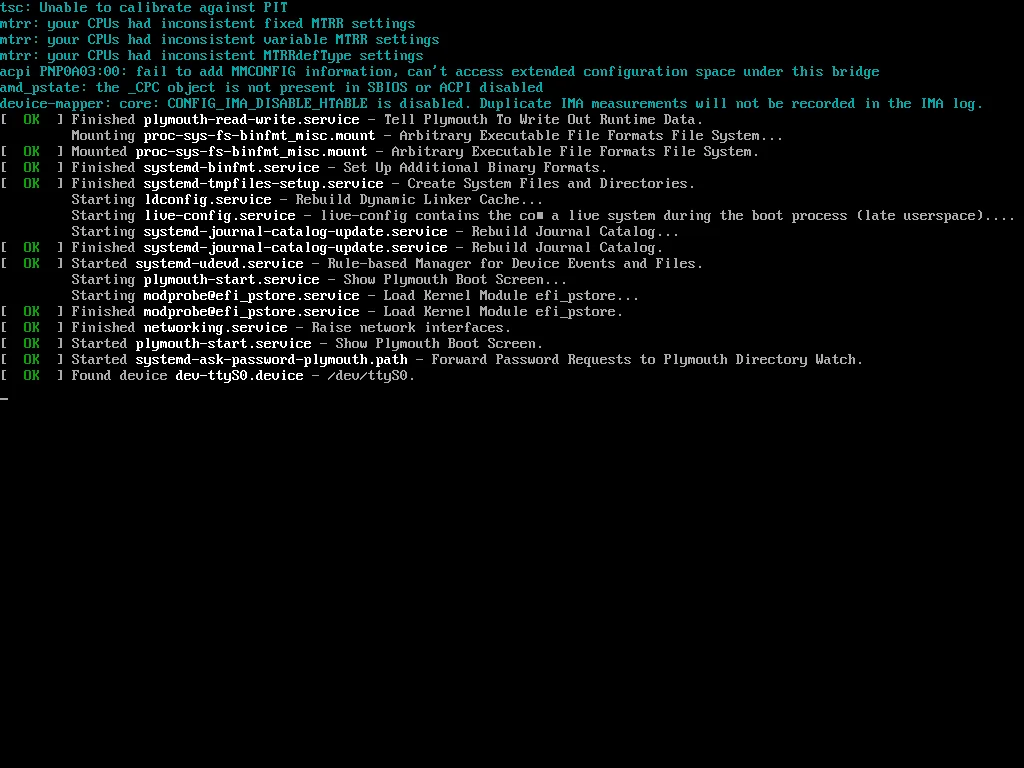
Early Linux kernel console output scrolling during the Hidayah OS 1.0.0 live boot
Kernel console — live boot
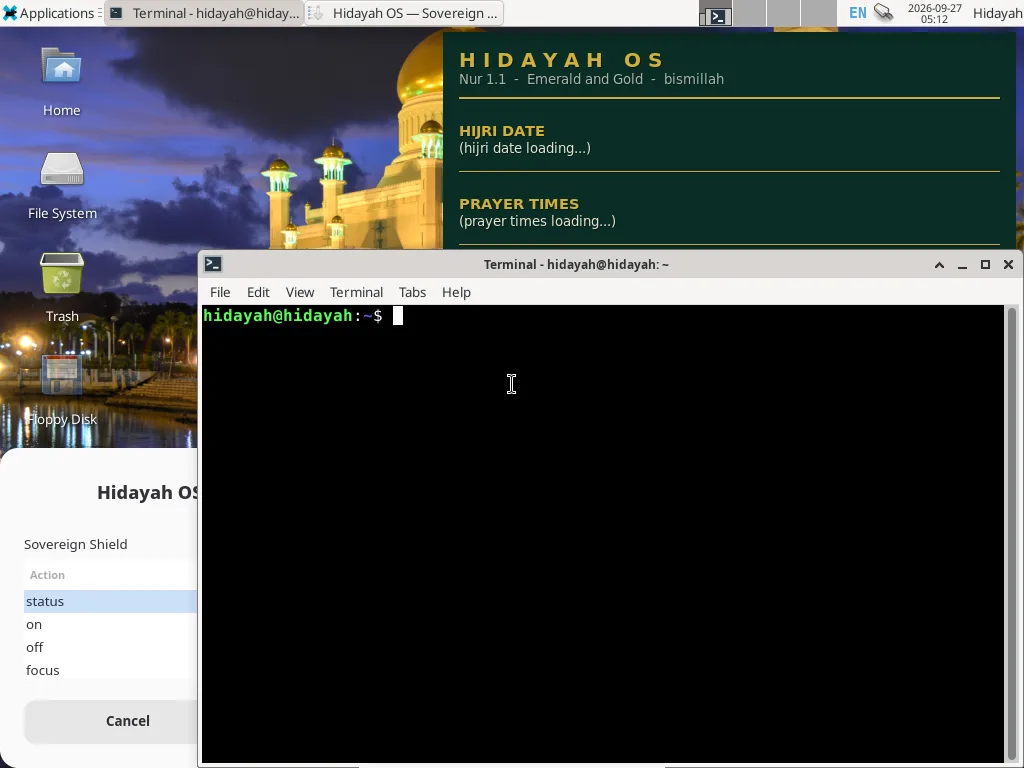
XFCE terminal opened on the Hidayah night wallpaper with the hidayah@hidayah live prompt
Terminal — hidayah@hidayah
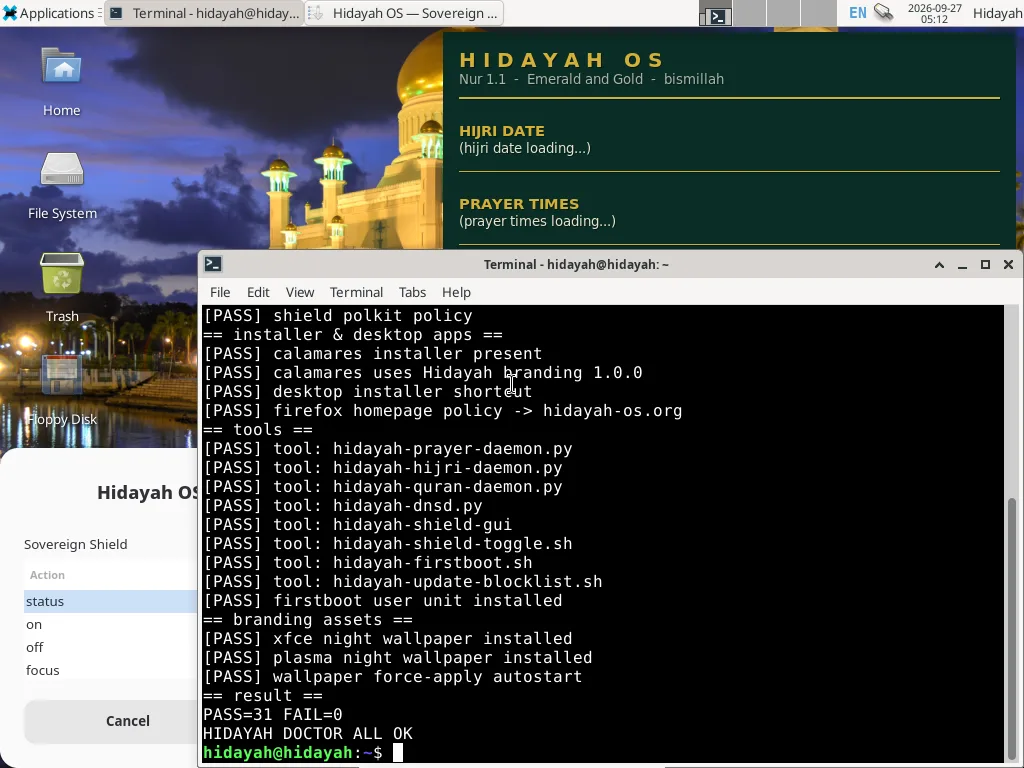
hidayah-doctor self-test output inside the live session showing PASS=31 FAIL=0 and HIDAYAH_DOCTOR_ALL_OK
hidayah-doctor — 31/0 ALL OK
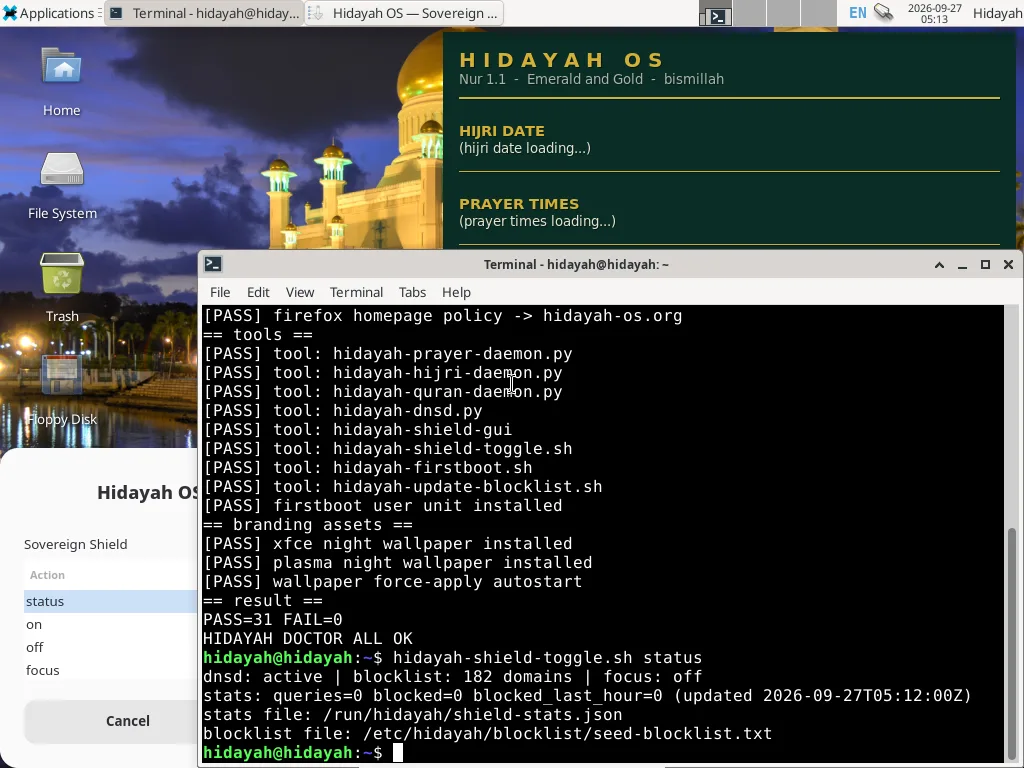
Sovereign Shield status output showing the DNS filter daemon active with a 132-domain seed blocklist
Sovereign Shield — dnsd active
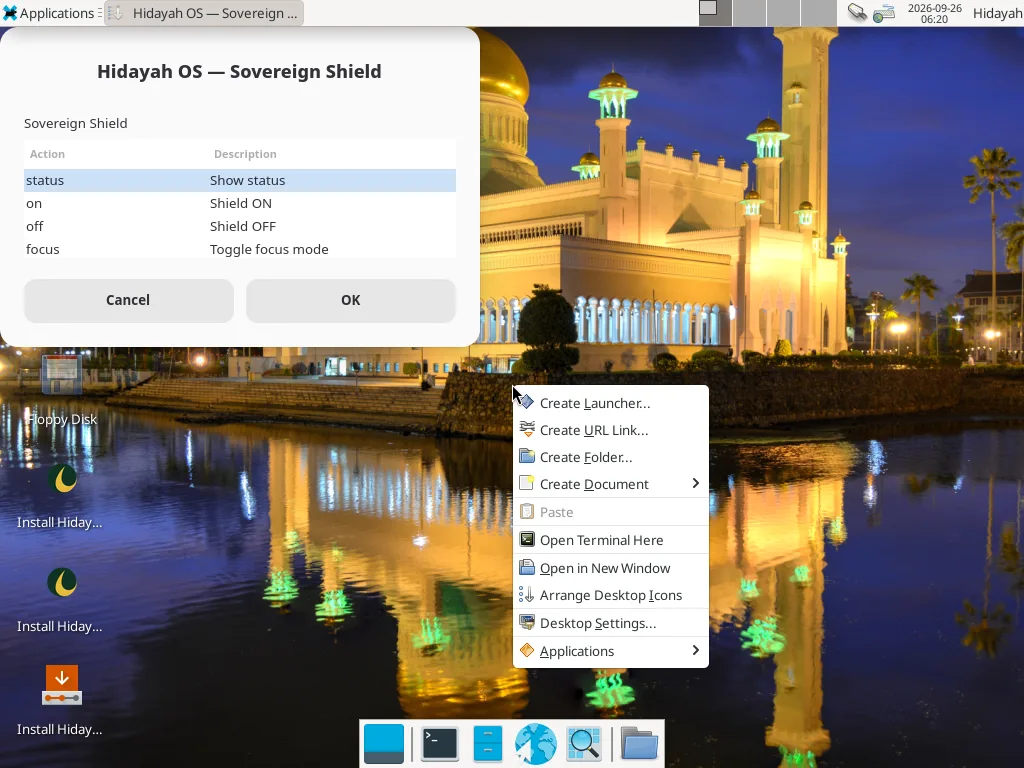
XFCE applications menu open over the Hidayah night wallpaper
Applications menu
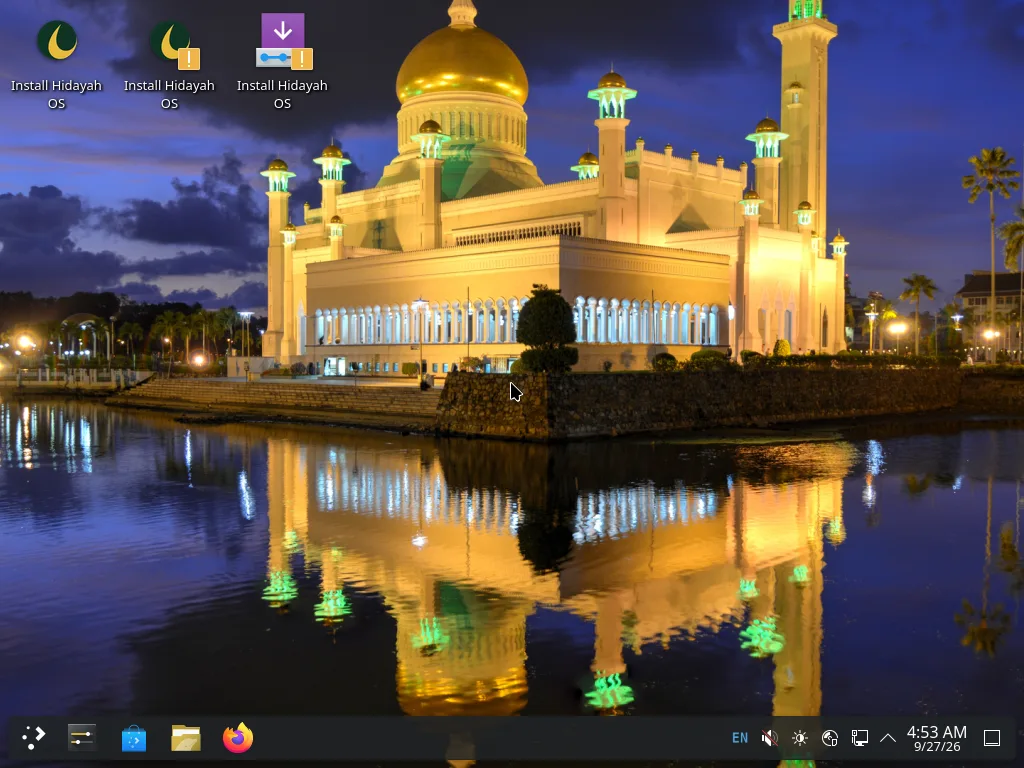
KDE Plasma desktop with the Hidayah night wallpaper, Emerald & Gold theming and Install Hidayah OS shortcuts
KDE Plasma — Hidayah night
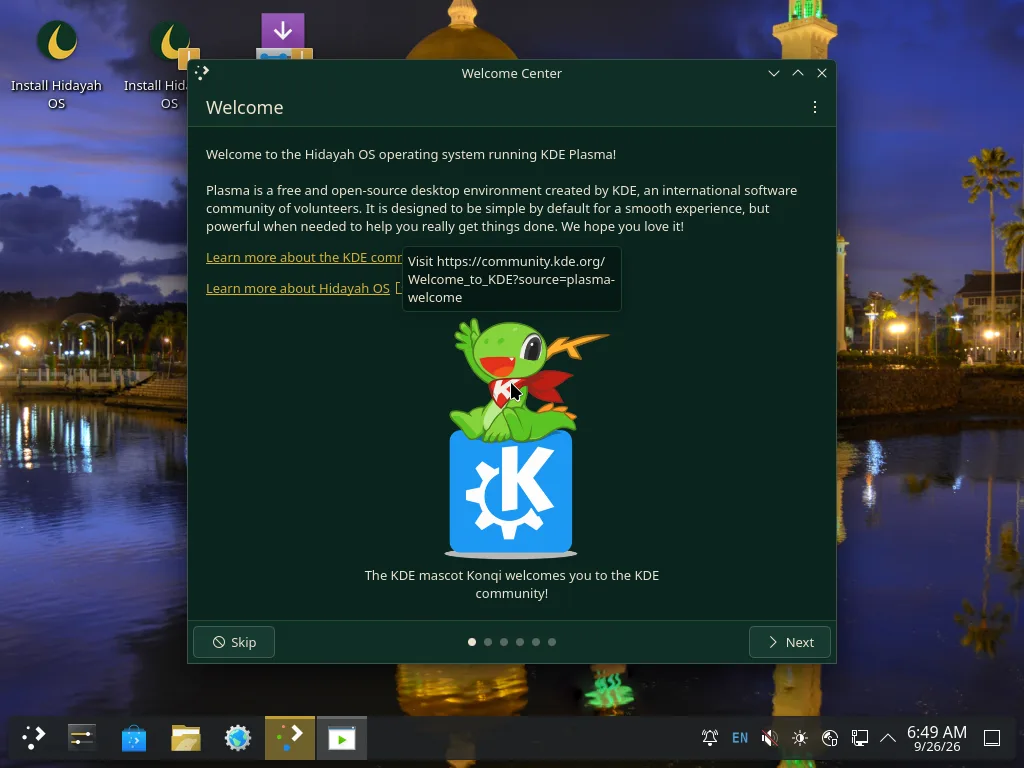
KDE Plasma Welcome Center greeter branded for Hidayah OS with a link to hidayah-os.org
KDE Welcome Center — branded
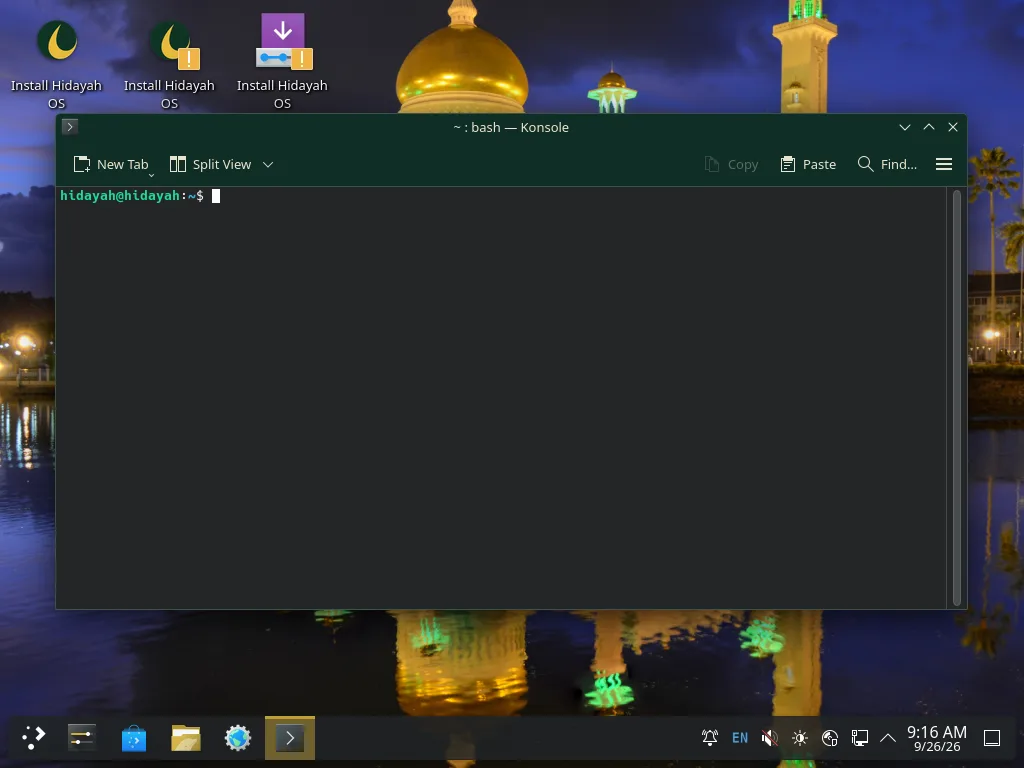
Konsole terminal with hidayah@hidayah prompt on the Hidayah night wallpaper, KDE edition
Konsole terminal

Unretouched QEMU monitor screendumps of the legacy v1.0.0-nur XFCE and KDE ISOs (TCG emulation) taken during release QA boots. The Hidayah night wallpaper, branded boot splash, live identity (user “hidayah”), Sovereign Shield DNS (active at boot with a 132-domain seed blocklist) and the hidayah-doctor self-test — PASS=31, FAIL=0 on the release build — are exactly what the ISOs ship. Nothing was mocked up.