XFCE Edition.
The light of Linux, tuned for speed. Our recommended edition — fast on old hardware, light on RAM, and every Hidayah tool included.
counted on this site
from this website — GitLab mirror, amd64
Download 1.0.0 Nur.
GitLab release
PRIMARY · FASTESTStraight from our build pipeline’s package registry — release v1.0.0-nur. The normal path, served fast by GitLab.
Internet Archive
FALLBACKThe exact same ISO on a permanent nonprofit mirror — hard to block or throttle.
Download from IAView the archive.org item →SHA-256 checksum
7f03f2c5c4d9798c114e05514b465cda217dd5446a0827a32c92c78488af4d58HidayahOS-1.0.0-Nur-XFCE-amd64.iso
Minimum requirements
What's inside.
Prayer Times
Automatic prayer times with adhan notifications, calculated for your exact location.
Quran Reader
The full Mushaf with search, bookmarks and translations — offline, right on the desktop.
Hijri Calendar
The Islamic calendar integrated into the system clock and taskbar.
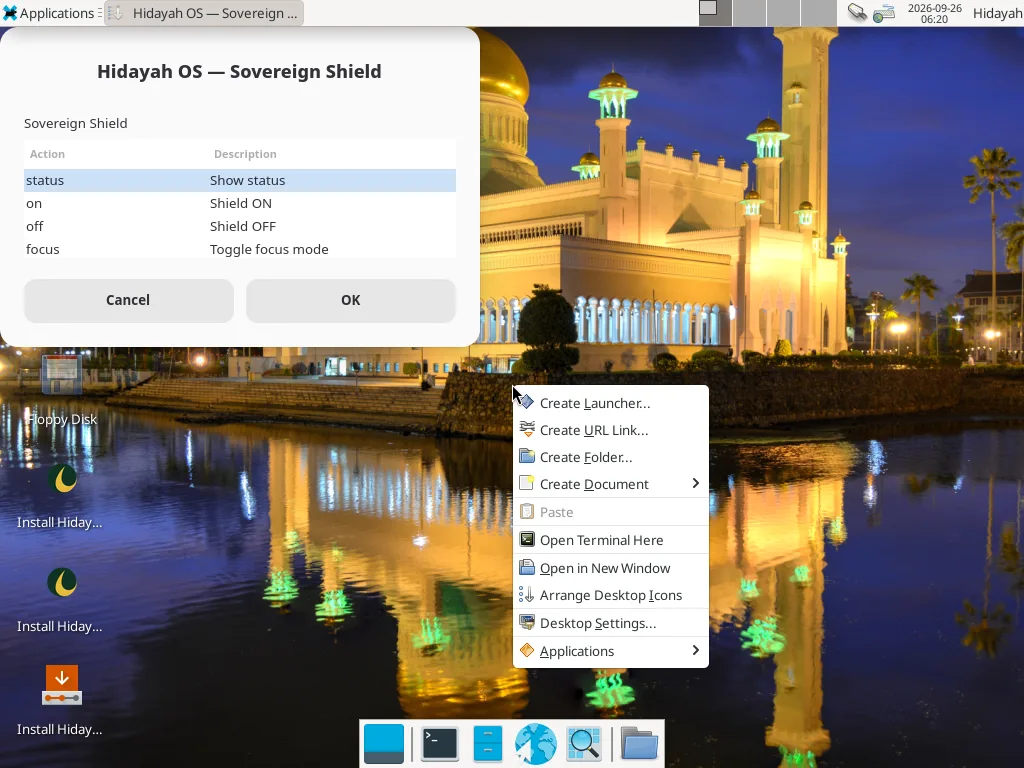
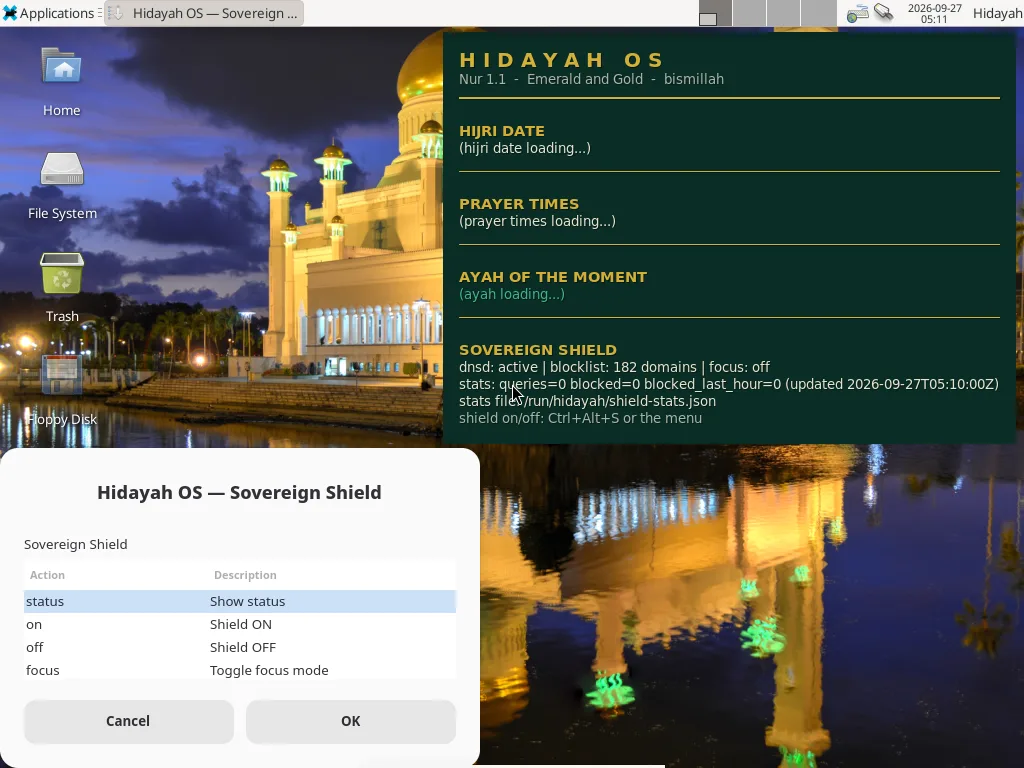
Sovereign Shield
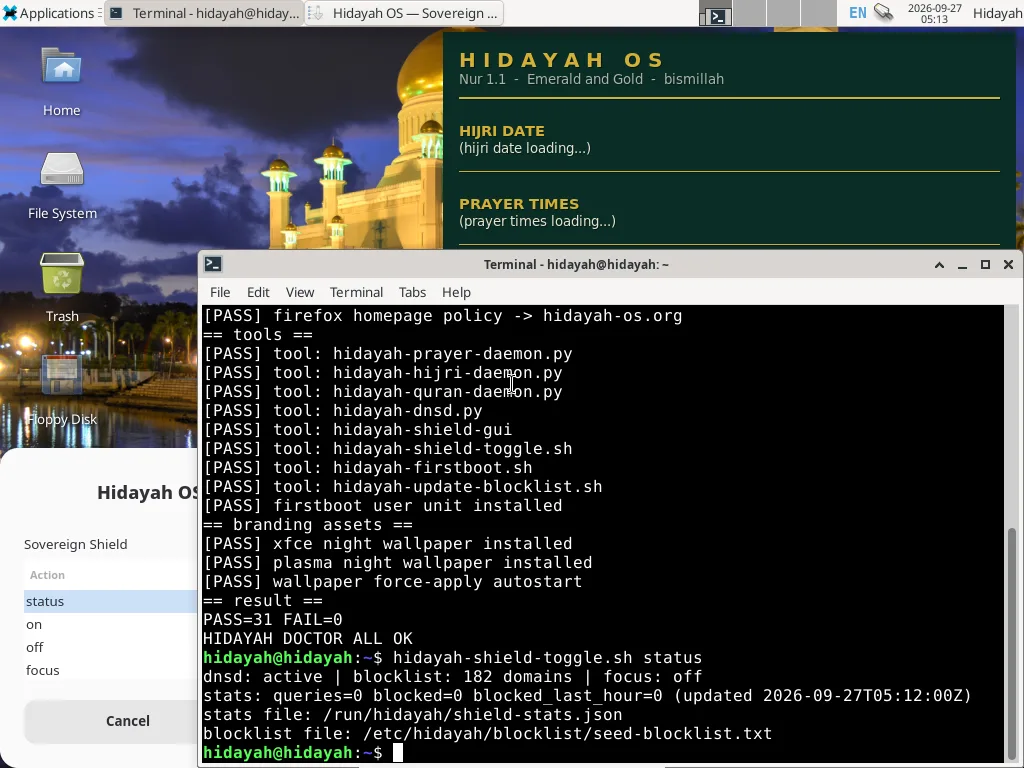
A local DNS filter (127.0.0.1:53) with a community blocklist — haram and tracker domains blocked at OS level.
Zero Telemetry
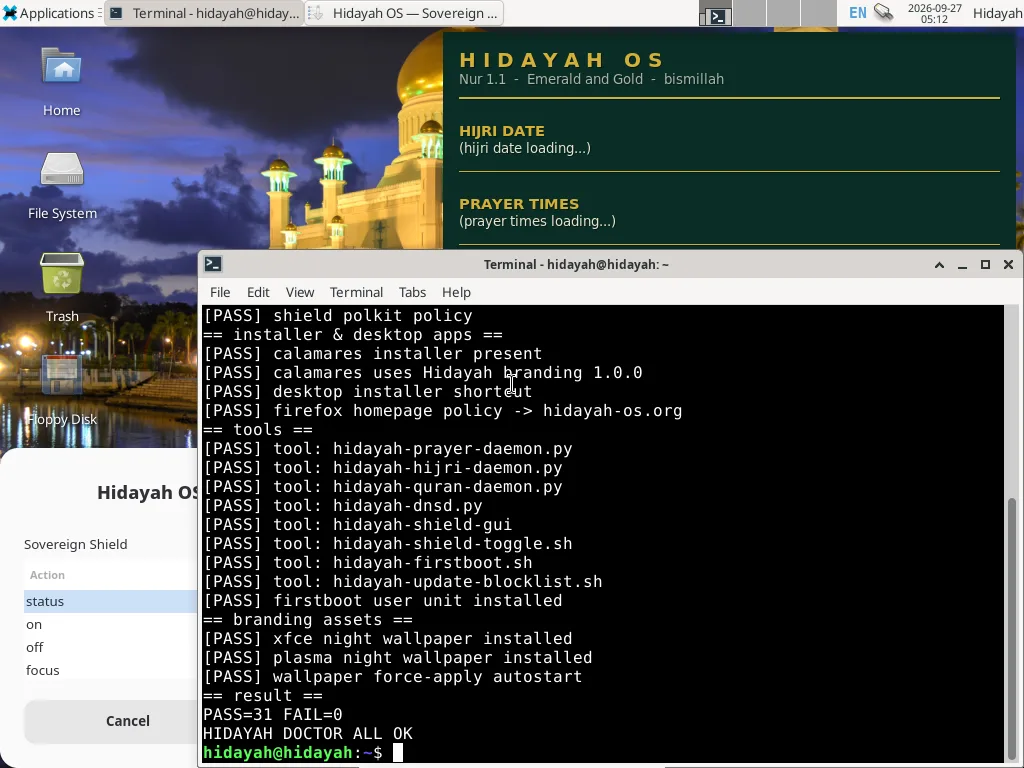
Nothing phones home. No accounts, no analytics, no tracking — verified by hidayah-doctor.
Calamares Installer
Boot the live session, click “Install Hidayah OS” on the desktop and follow the wizard.
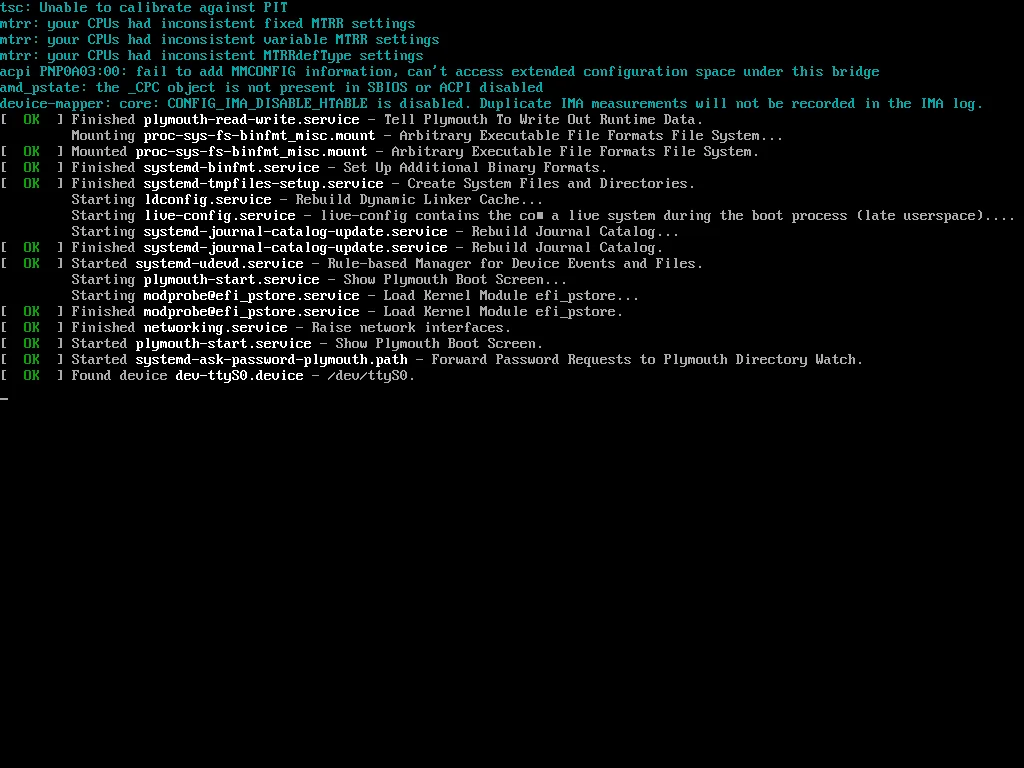
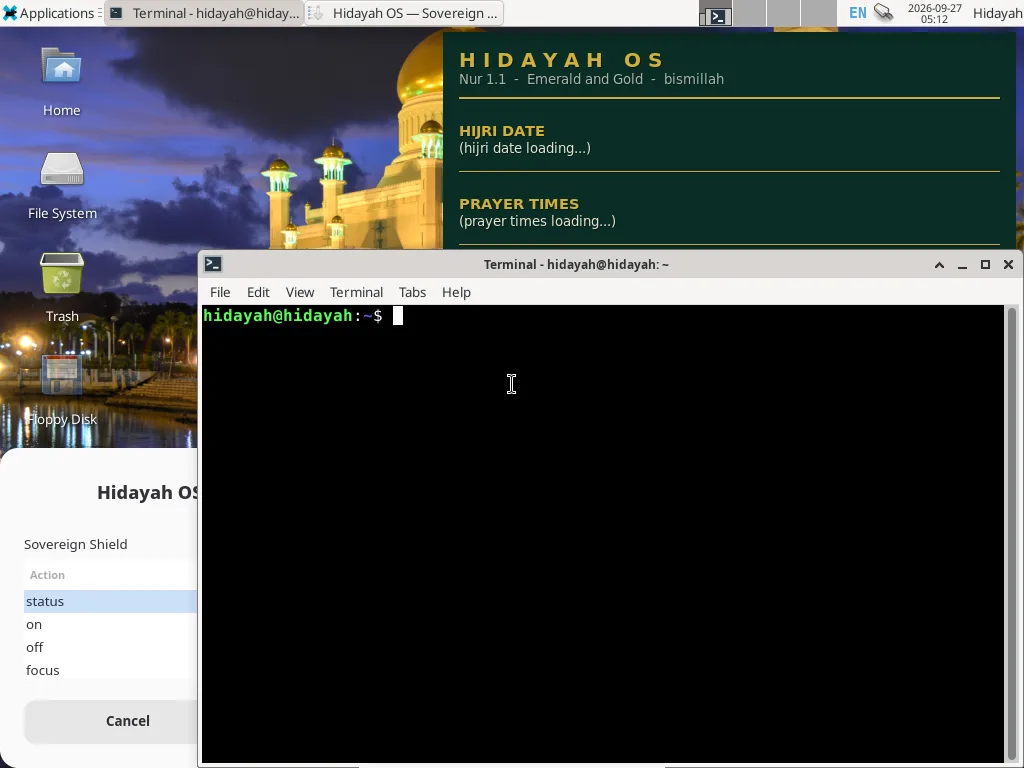
See it running.
Genuine captures of the shipped 1.0.0 ISO booting in QEMU — unretouched.