
Hidayah OS — Privacy-Hardened Islamic LinuxYour OS is Privacy
The Nur 1.0.0 Release — Beautiful, Stable, and Purposed
Choose Your Flavor.
Important: Both editions include the Calamares installer for permanent disk installation. Boot the Live session and click "Install Hidayah OS" to install.
XFCE Edition
Xfce (Debian 13)
Daily drivers and older hardware; users who want a lightweight desktop out of the box
KDE Plasma Edition
KDE Plasma 6 (Debian 13)
Users who want a modern, visually polished desktop with animations
What Ships On Every ISO
The XFCE edition is our Recommended Download for older hardware. Both editions share the same Hidayah toolset — built from the official Debian 13 live images with the Sovereign Shield and faith tools on top.
Shield
- Sovereign Shield DNS filter
- Hagezi blocklist (daily refresh)
- Offline seed list
- Focus mode
Islamic
- Prayer times daemon
- Hijri calendar daemon
- Current Ayah viewer
- Khal calendar
Desktop
- Dashboard data feeds (~/.cache/hidayah)
- SDDM breeze-dark greeter
- Emerald & Gold theming
- Hidayah night wallpapers
Installer
- Calamares with Hidayah branding
- Live autologin as hidayah
- BIOS + UEFI boot
- Hardening sysctls
Islamic Integration.
Custom-built tools designed to keep you connected to your faith, seamlessly integrated into your daily workflow.
Four Custom Hidayah Apps
Hidayah Prayer Times
Real astronomical prayer times (praytimes.org algorithm; MWL, Karachi, ISNA, Egypt and Makkah methods). Ships preconfigured for Lahore (editable via /etc/hidayah/prayer-config.json), with desktop notifications before and at each prayer, a gentle athan chime, and data feeds for desktop widgets and status bars.
Hidayah Current Ayah Viewer
A curated set of 20 ayahs (Arabic + English translation) rotates on your desktop via notifications. The ayah of the moment is served from ~/.cache/hidayah/quran-ayah.txt for widgets and status bars — fully offline out of the box.
Hidayah Khal Wrapper
Terminal-based Hijri/Gregorian calendar system. Displays dual calendars with custom Hidayah branding (Gold/Green). Accessible directly from the application menu for non-technical users.
Dashboard Data Feeds
Prayer times, the Hijri date and the current Quran ayah are written to ~/.cache/hidayah every session (refreshed when older than 12h) — ready to drop into Conky, i3bar, or any panel you like.
System-wide Features
Emerald & Gold Theming
HidayahEmeraldGold Plasma color scheme, HidayahNur Konsole colorscheme, and generated geometric wallpapers ship in the image.
Prayer-Time Focus Mode
During prayer times the Shield can block the optional social-media blocklist, then restore access — reversible and protected by polkit.
X11-Pinned Session
The session is pinned to X11 (SDDM DisplayServer=x11) with a breeze-dark greeter, so X11-only desktop tooling works flawlessly.
Live Autologin
The live session autologins as user 'hidayah' via live-config boot parameters — try the OS with zero setup.
6-Layer Islamic Shield.
Hidayah OS implements a multi-layered security stack to ensure your browsing remains clean and private.
Layer 1 — Sovereign Shield DNS
Local DNS filter on 127.0.0.1:53 blocks domains from the community-maintained Hagezi blocklist (NXDOMAIN answers). Upstreams: Quad9, DNSSEC-validating.
Layer 2 — Daily Blocklist Refresh
hidayah-update-blocklist.timer refreshes the blocklist every day. An offline seed list ships on the ISO, so the Shield works from first boot.
Layer 3 — DNS Hijack Prevention
resolv.conf is pinned to 127.0.0.1:53 — NetworkManager dns=none and systemd-resolved masked — so all system DNS flows through the filter.
Layer 4 — Hardened Kernel Settings
Hardening sysctls (99-hidayah-hardening.conf) and kernel module blacklists (hidayah-blacklist.conf) shipped in the image.
Layer 5 — Polkit-Protected Toggle
Shield on/off/focus actions require administrator authentication via pkexec. Status checks read world-readable runtime files — no privileges needed.
Layer 6 — Prayer-Time Focus Mode
One toggle (or scheduled during prayers) blocks the optional social-media blocklist, with an automatic off after 15 minutes.
Privacy & Security.
Professional-grade privacy. Hidayah OS is pre-configured with industry-standard security policies and anonymity tools.
Admin-Protected Shield
Administrator authentication (polkit / pkexec) protects every Shield change.
auth_admin_keep remembers the approval for 10 minutes, so prayer-time switches never nag twice.
- Required to switch the Shield on or off
- Required to toggle focus mode
- Status checks need no privileges
- Blocklist updates logged and scripted
Download Release.
Installer Included
Both editions include the Calamares installer for permanent disk installation. Boot the Live ISO, then click "Install Hidayah OS" on the desktop to begin installation.
Verify Your Download
Always verify the integrity of your ISO file before booting. Open your terminal and run the following command to check the SHA256 hash.
sha256sum HidayahOS-1.0.0-Nur-XFCE-amd64.isoGet-FileHash HidayahOS-1.0.0-Nur-XFCE-amd64.iso -Algorithm SHA2567f03f2c5c4d9798c114e05514b465cda217dd5446a0827a32c92c78488af4d584c6e9b6d5ee68a6b81513406078e5192df45ac60d7e71d0f481ddf3d458bf40dBoth editions ship fully de-branded (Hidayah OS 1.0.0 (Nur) identity, boot menu and splash) with the Hidayah night wallpaper forced by default. Verify your download against the checksums above before writing to USB.
Built on free Kaggle compute.
Powered by Kaggle
Both Hidayah OS 1.0 “Nur” ISOs — 8.9 GBacross KDE and XFCE variants — were built end-to-end on Kaggle’s free notebook compute, from live-build to squashfs to xorriso.
See Hidayah OS 1.0.0 Nur boot for real.
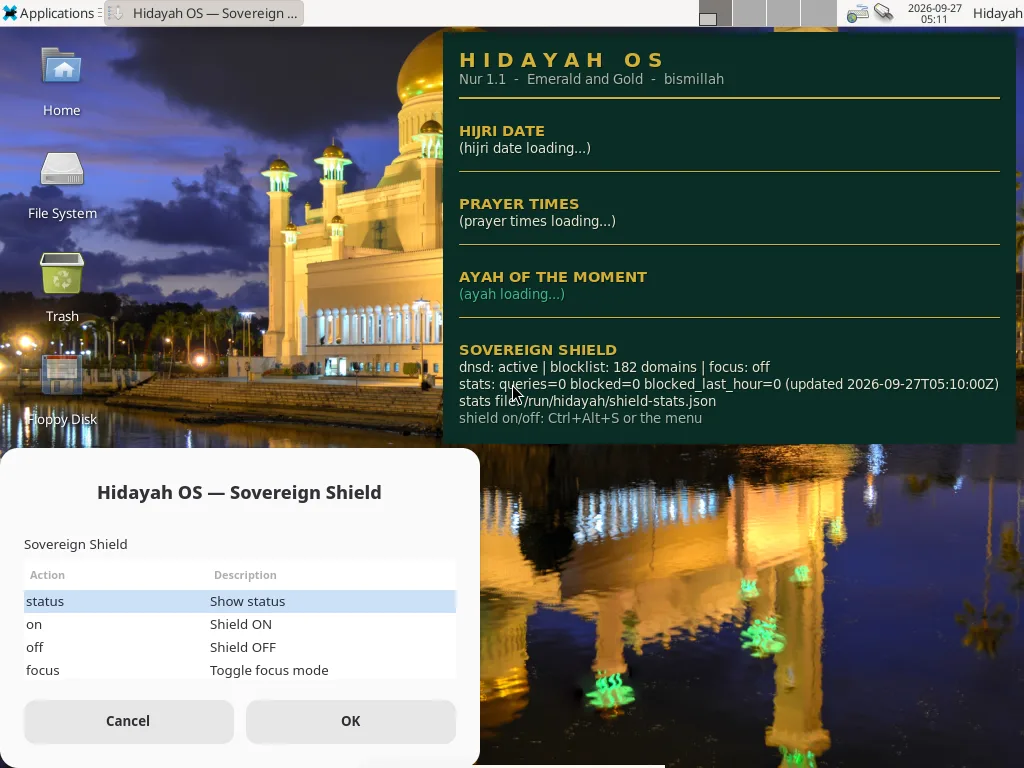

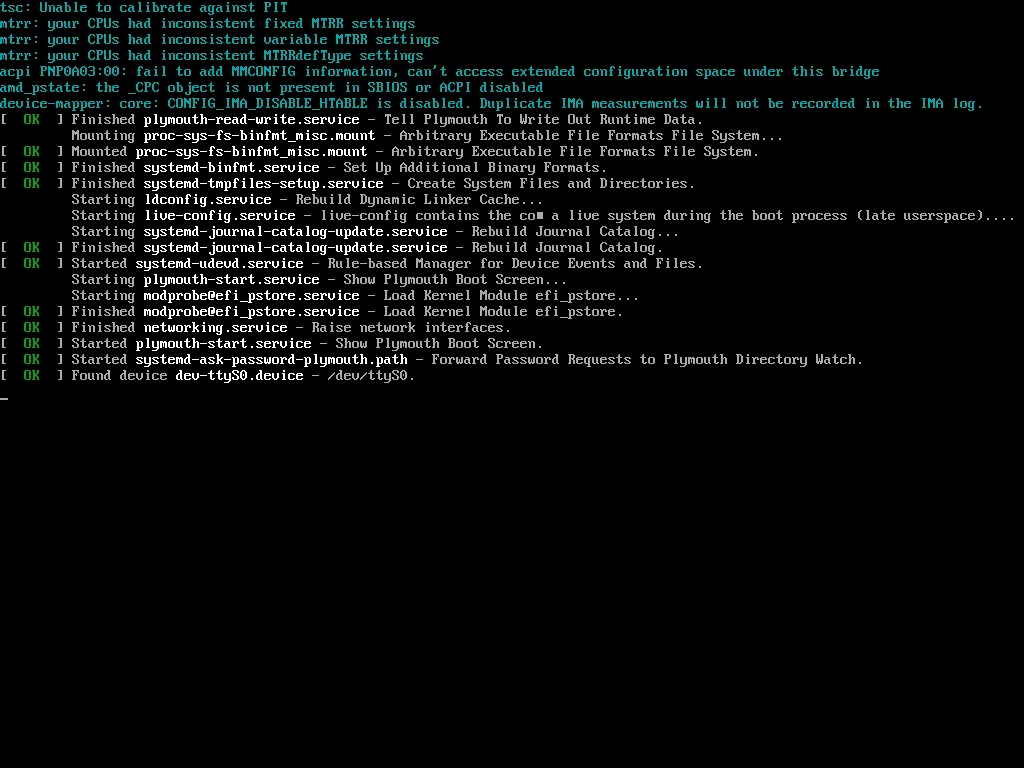
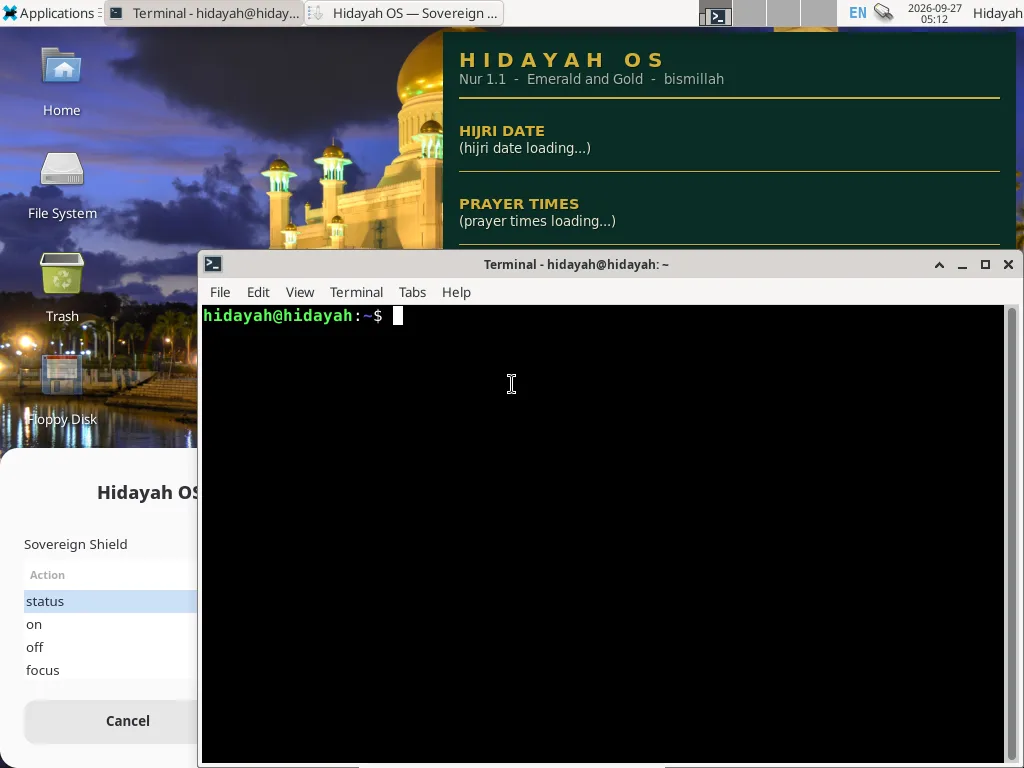
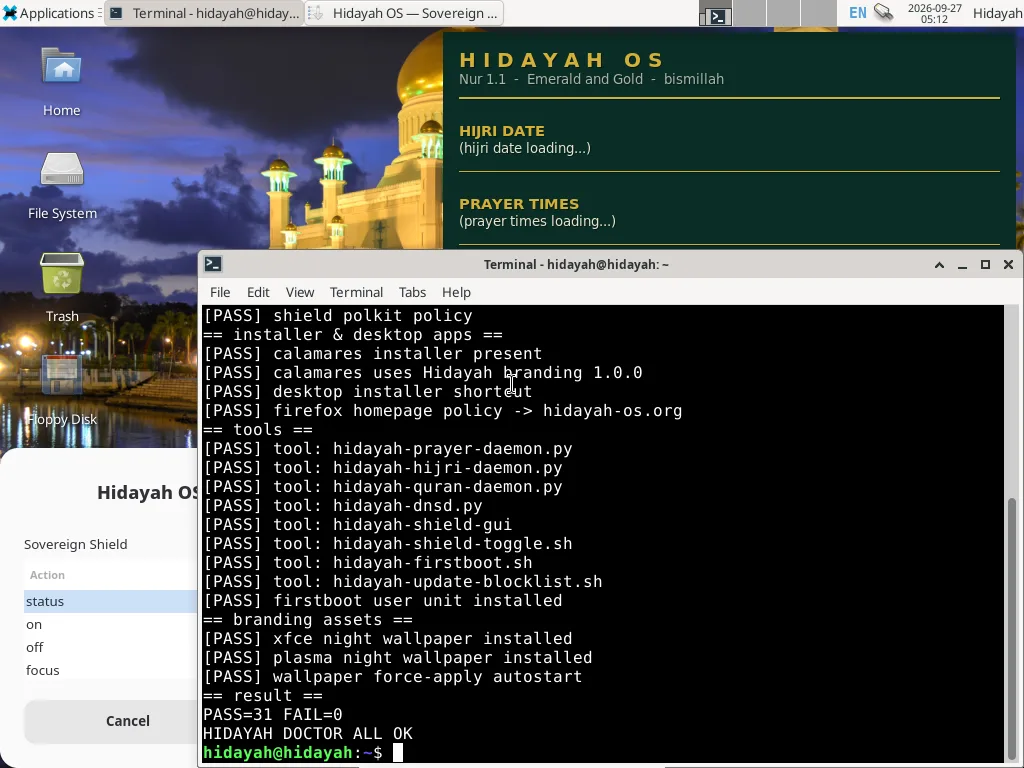
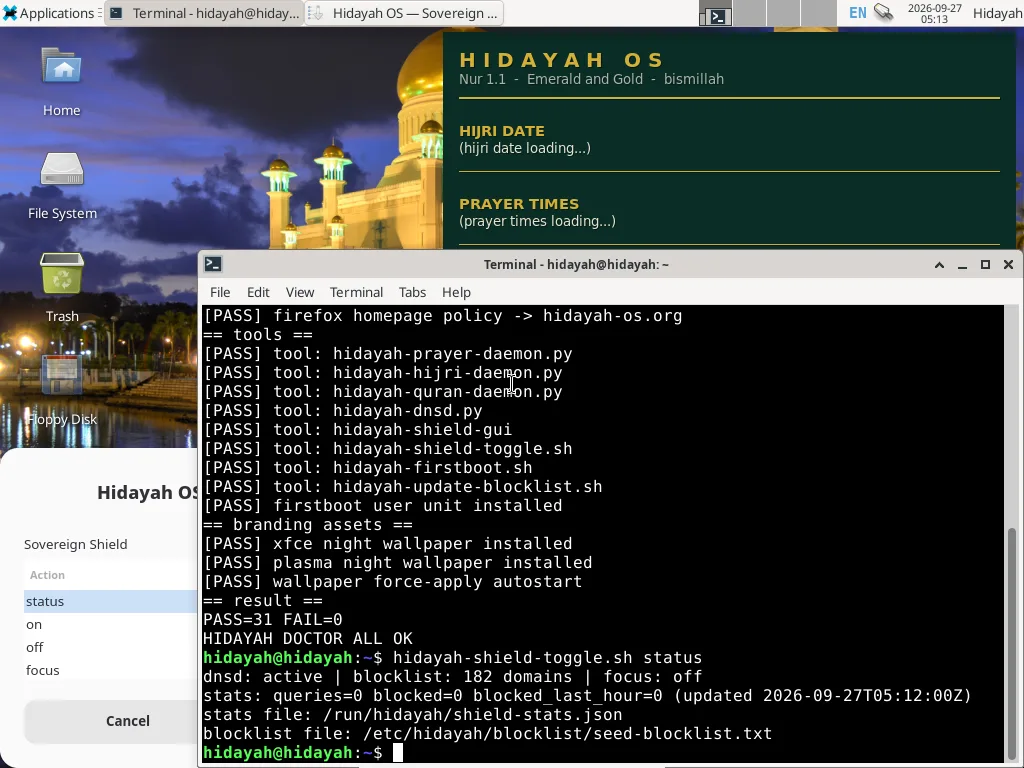
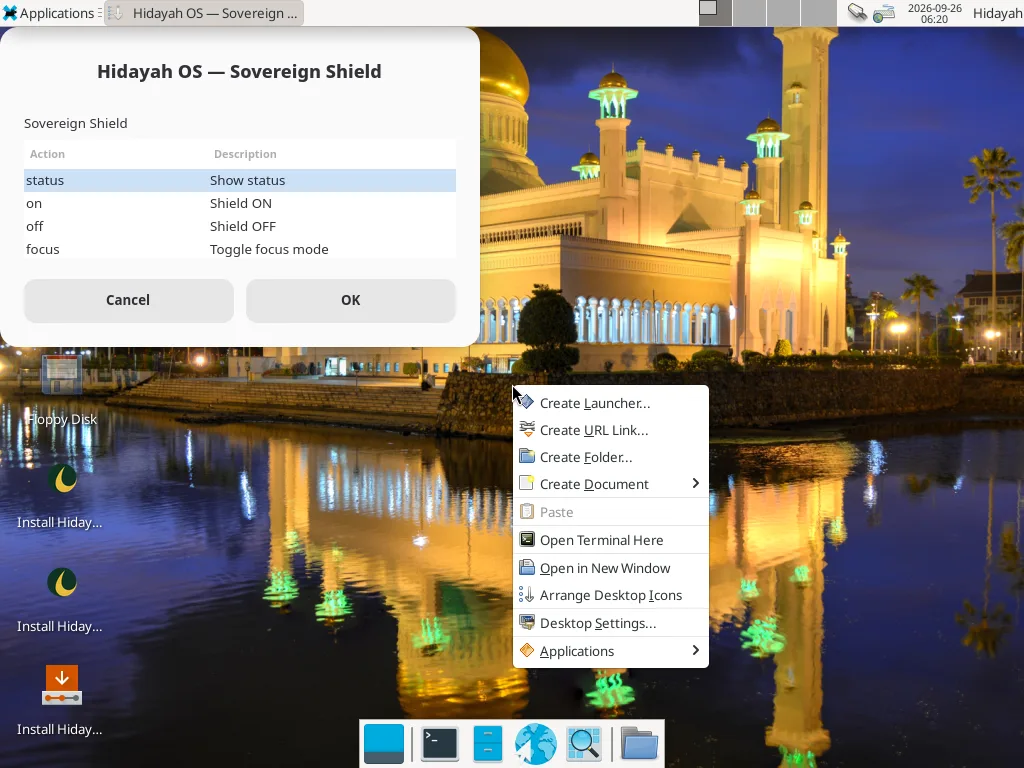
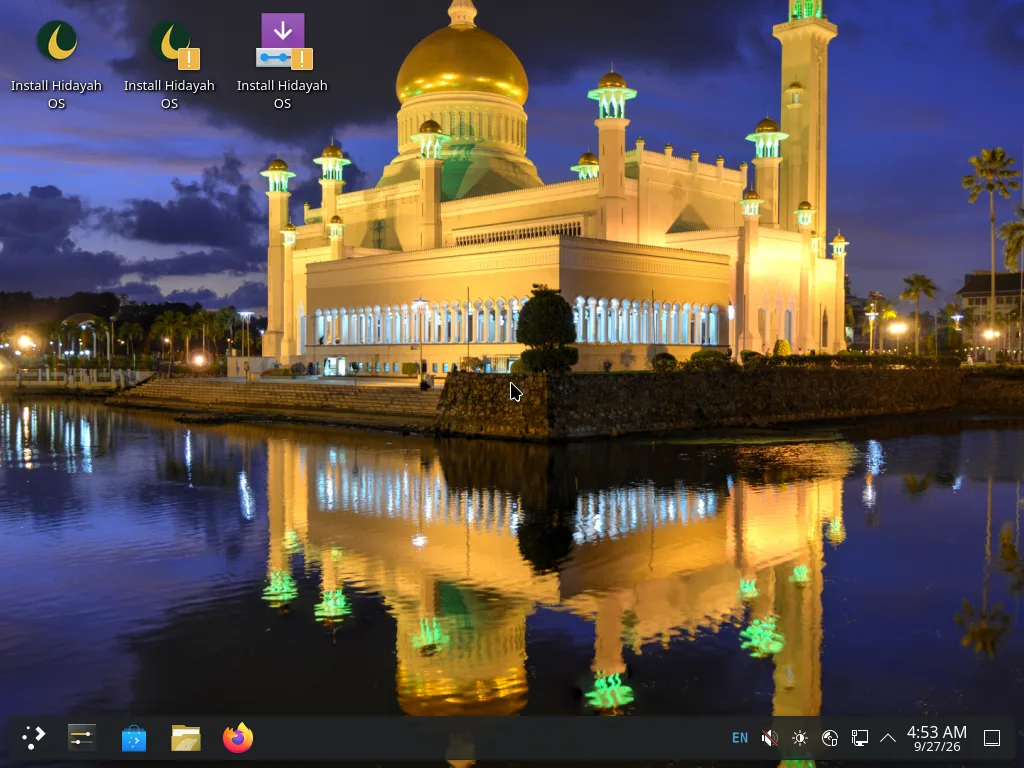
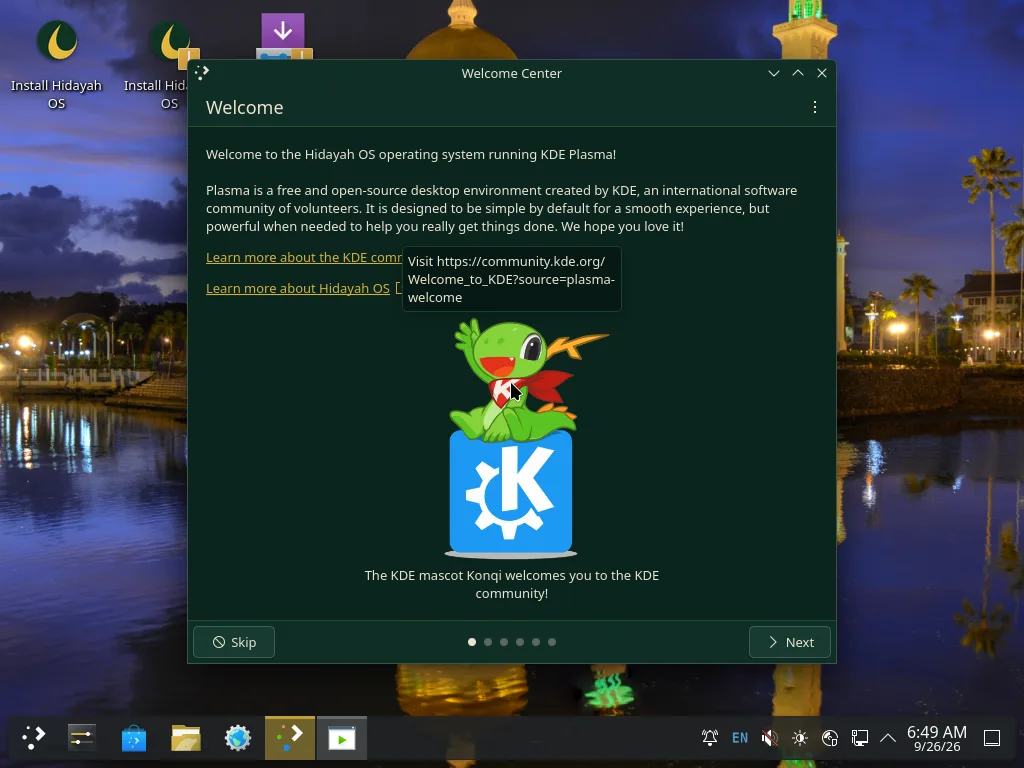
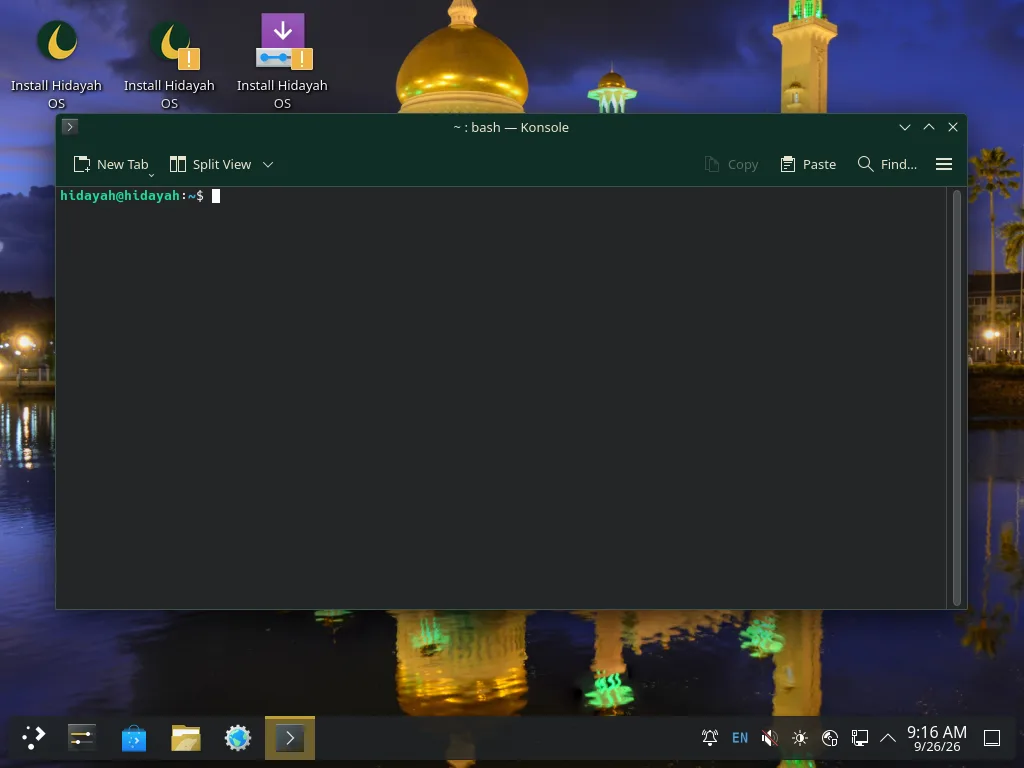
Unretouched QEMU monitor screendumps of the v1.0.0-nur XFCE and KDE ISOs (TCG emulation) taken during release QA boots. The Hidayah night wallpaper, branded boot splash, live identity (user “hidayah”), Sovereign Shield DNS (active at boot with a 132-domain seed blocklist) and the hidayah-doctor self-test — PASS=31, FAIL=0 on the release build — are exactly what the ISOs ship. Nothing was mocked up.
Everything
included.
No need to hunt for software. Hidayah OS is built from the official Debian 13 live images (KDE Plasma / Xfce) with a curated set of custom Hidayah tools on top.
Firefox ESR
BrowserLibreOffice
OfficeDolphin
FilesKonsole
TerminalOkular
PDFArk
ArchiveSpectacle
ScreenshotsKCalc
CalculatorSovereign Shield
IslamicCurrent Ayah Viewer
IslamicPrayer Times
IslamicKhal Calendar
Islamicdesktop editions
proprietary software
open source
Works On Your Hardware.
Extensive driver support included out of the box for laptops, desktops, and older machines.
Technical Specs.
| Parameter | Specification |
|---|---|
| Version | 1.0.0 (Nur) |
| Base | Debian 13 "Trixie" |
| Kernel | 6.12 (Debian 13) |
| Desktop | KDE Plasma 6 / Xfce |
| Boot | BIOS + UEFI |
| Base image | Official Debian live ISOs |
| ISO Size | 4.7 GB (KDE) / 4.3 GB (XFCE) |
| License | GPL-3.0 |
| Cost | Free Forever |
Minimum & Recommended.
Live mode runs entirely from the USB/DVD — nothing touches your disk unless you launch the Calamares installer. The KDE Plasma edition simply benefits from the higher end of these ranges.
Minimum
- CPU64-bit (amd64) dual-core, 1.6 GHz
- RAM2 GB (XFCE) · 4 GB (KDE Plasma)
- Storage8 GB USB/DVD for live · 15 GB disk to install
- FirmwareBoots BIOS or 64-bit UEFI
Recommended
- CPU64-bit quad-core, 2 GHz or faster
- RAM4 GB (XFCE) · 8 GB (KDE Plasma)
- Storage25 GB+ SSD for install · USB 3.x 8 GB+ media
- ExtrasIntel / AMD / NVIDIA firmware included on the ISO
Free. Forever.
Open Source.
Hidayah OS is completely free and open source under the GPL-3.0 license. Download, install, and run your own OS aligned with your values.
Which version should I choose?
- KDE Edition (Emerald & Gold):
Choose for Beauty & Modernity. Features the Emerald & Gold Plasma theming with premium UI polish.
- XFCE Edition (The Workhorse):
Choose for Productivity & Performance. Lightweight and fast, ideal for older hardware.
KDE Edition
Choose for Beauty & Modernity. Features the Emerald & Gold Plasma theming with premium UI polish.
Download KDE EditionXFCE Edition
Choose for Productivity & Performance. Lightweight and fast, ideal for older hardware.
Download XFCE EditionVerification Instructions
Verify on Linux/Mac:
sha256sum <filename>Verify on Windows:
certutil -hashfile <filename> SHA256System Requirements
What's Included
- KDE Plasma or XFCE Desktop Environment
- Islamic Shield (Content Filtering)
- Athan Daemon with Prayer Integration
- Hijri Calendar & Quran Ayah Display
- Sovereign Shield DNS filtering (Hagezi blocklist, Quad9 upstreams)
- Hardening sysctls & kernel module blacklists
- Polkit-protected Shield toggle
- Built from official Debian 13 live images
Core Values
- No telemetry services added - Privacy by design
- 100% Open Source - Audit the code
- Islamic Principles - Built by Muslims
- Privacy First - Your data is yours
- No Proprietary Software - Freedom guaranteed
- Community Driven - Crowdsourced development
- GPL-3.0 Licensed - Libre forever
- Transparent Security - Nothing to hide
Get Started in 3 Steps
Download the ISO, verify the checksum, write it to a USB, and boot. The Calamares installer will guide you through the rest.
Download.Install.Align.
# Download Hidayah OS v1.0.0 (Nur)
# Example for KDE Edition:
$ wget "https://gitlab.com/api/v4/projects/86580032/packages/generic/hidayah-os/1.0.0-nur/HidayahOS-1.0.0-Nur-KDE-amd64.iso"

# Verify SHA256
$ echo "4c6e9b6d5ee68a6b81513406078e5192df45ac60d7e71d0f481ddf3d458bf40d  HidayahOS-1.0.0-Nur-KDE-amd64.iso" | sha256sum -c
Trusted by Muslims worldwide.
Finally an OS that doesn't require me to configure everything myself for Islamic use. It just works.
Ubaid
Founder
Build with us.
For the Ummah.
Hidayah OS is built by the community, for the community. Whether you're a developer, designer, or just passionate about privacy and Islamic values, there's a way for you to contribute.
Fully Open Source
Audit every line of code. GPL-3.0 licensed. Nothing proprietary.
Easy to Contribute
Documentation, GitLab issues, and an active community ready to help.
Modular Design
Components are independent. Modify, fork, or extend with ease.
Active Development
New features released regularly. Your contributions welcome.
Join our Discord community for guidance and collaboration.
Privacy
in real-time.
Shield Status
Real-time system protection metrics